Capture the opening
Record site dimensions, photographs, access constraints and the evidence your team needs before choosing a gate system.
OVERXXI Gate Pro helps gate installers, fabricators and automation companies turn site measurements into a controlled gate configuration, visual customer preview and professional quotation—without rebuilding the job across paper, spreadsheets and disconnected apps.
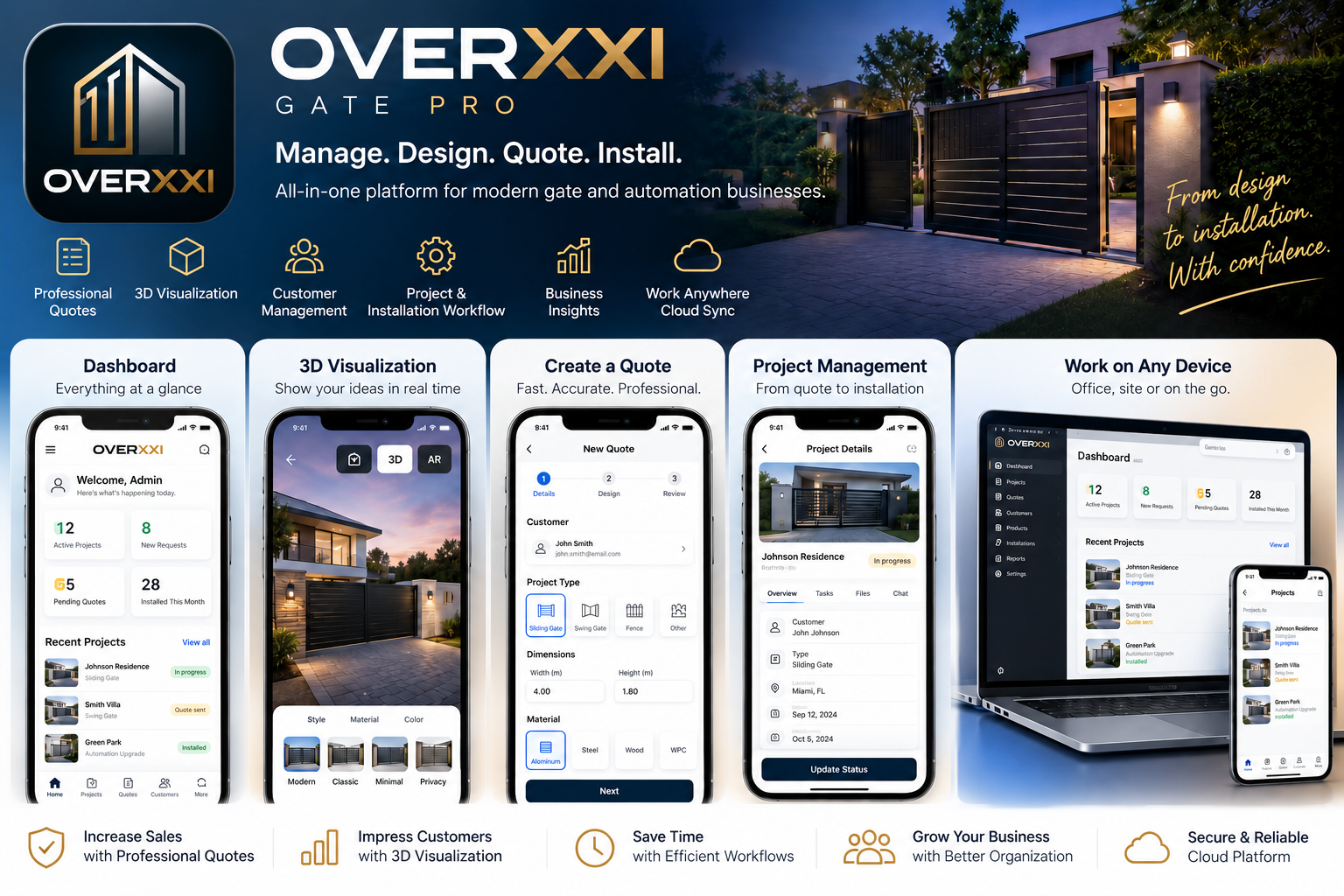
Keep the technical and commercial conversation attached to the same customer, site and gate configuration.
Record site dimensions, photographs, access constraints and the evidence your team needs before choosing a gate system.
Select the operating type, dimensions, leaf arrangement, opening behaviour, design and controlled catalogue components.
Use the configuration for 3D and AR-assisted previews so the customer and installer discuss the same proposed result.
Connect controlled items, quantities, prices and tax settings to customer-ready commercial output.
OVERXXI is designed for organisations that need more control than a generic CRM but do not want each estimator to maintain a separate spreadsheet process.
OVERXXI supports the project workflow; it does not replace fabrication drawings, structural calculations, force testing, risk assessment, manufacturer instructions or competent engineering approval.
See the technical validation workflow →OVERXXI supports workflows for sliding, swing, twin swing, bifold, cantilever and barrier gate configurations.
No. It supports configuration, visualisation and commercial workflow. Fabrication drawings, structural calculations, safety assessment and final engineering approval remain the responsibility of competent professionals.
Yes. Supported configurations can be used for AR-assisted placement in the Android field application. AR is a visual communication aid and does not replace verified measurements.
Yes. The project can be connected to controlled catalogue items, pricing and customer-ready quotation output.
Explore OVERXXI before adding any customer or site information.